
 Svenska
 English
 Norsk
Norsk
 Suomi
Suomi
 Dansk
Dansk
Computer accessories.
Her you will find computer accessories such as headsets, printers, storage media and more. You will also find other products like keyboard, wrist support etc that will make your office complete and efficient.
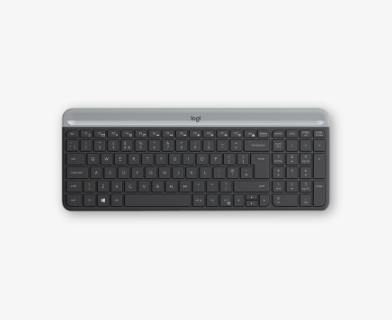
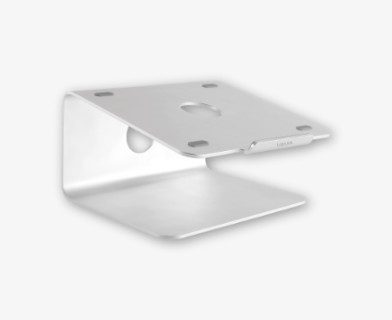
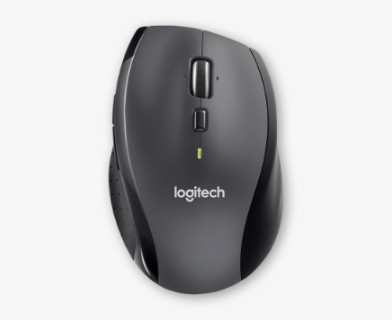
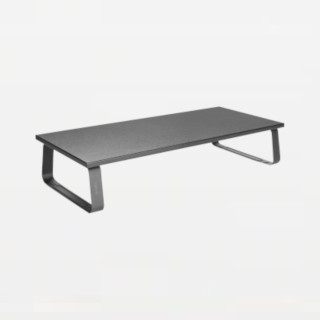
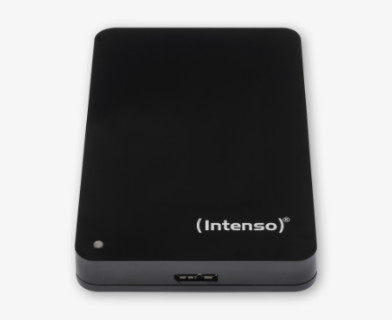
Invest in Better Ergonomics and Health
Many of the most common issues associated with office work—such as pain in the neck, shoulders and wrists—can be prevented with the right ergonomic tools. Replacing standard equipment with ergonomic alternatives is a profitable investment for any company, reducing the risk of sick leave and improving employee well‑being.
- Correct working height: With a laptop stand or an adjustable monitor arm, you can raise the screen to eye level, reducing strain on the neck and helping prevent forward‑head posture.
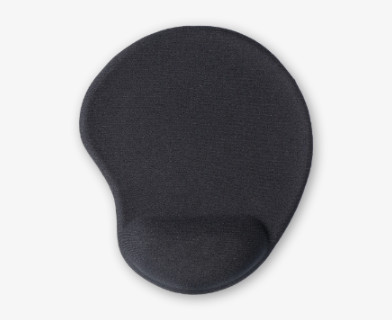
- Support for your arms: Ergonomic mice (such as vertical models) and split keyboards help your hands maintain a natural position. Complement with wrist rests for added comfort.
Security and Technology for the Flexible Workplace
The modern workspace is no longer tied to a single desk. For those who move between the office, home and on the go, the demands on accessories are higher.
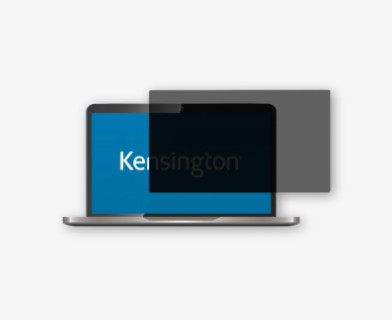
- Privacy filters: A must for data protection (GDPR). They shield the screen from prying eyes so you can work safely with sensitive information on trains or planes.
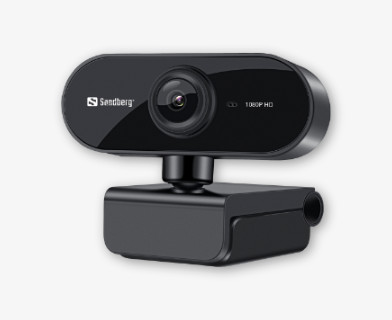
- Webcams & Headsets: For professional‑looking meetings in Teams or Zoom, high-quality video and audio are essential. An external webcam provides far better lighting and clarity than a built‑in laptop camera.
- Hubs & Adapters: Modern, slim laptops often lack ports. A USB hub or docking station ensures you can always connect monitors and accessories when you need them.
Create Order and a Clean Desk
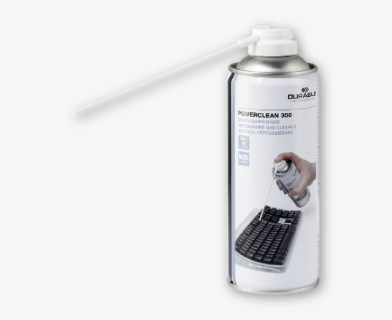
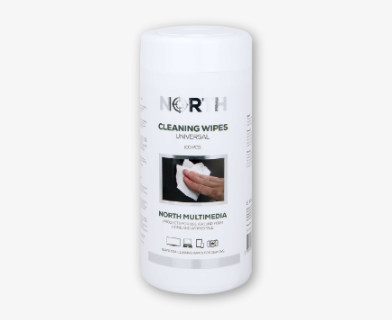
A cluttered desk full of tangled cables reduces efficiency and collects dust. With smart cable management, zip ties and cable clips, you can create a clean‑desk environment that’s easy to maintain. Don’t forget cleaning products designed for electronics to keep screens and keyboards free from dirt and bacteria.
You may be interested in
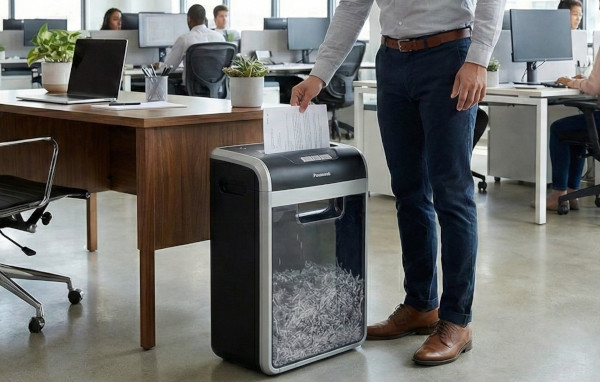
How to choose the right shredder.
Strips or confetti? P-2 or P-5? Learn about the security levels and find the right machine for your needs in just 3 minutes.

How to reduce office-related aches and pains
Do you experience neck, shoulder, or wrist pain after a long day at your desk? With the right ergonomics, small adjustments can make a big difference. Discover simple, smart tips for a more comfortable, healthier, and sustainable workspace.
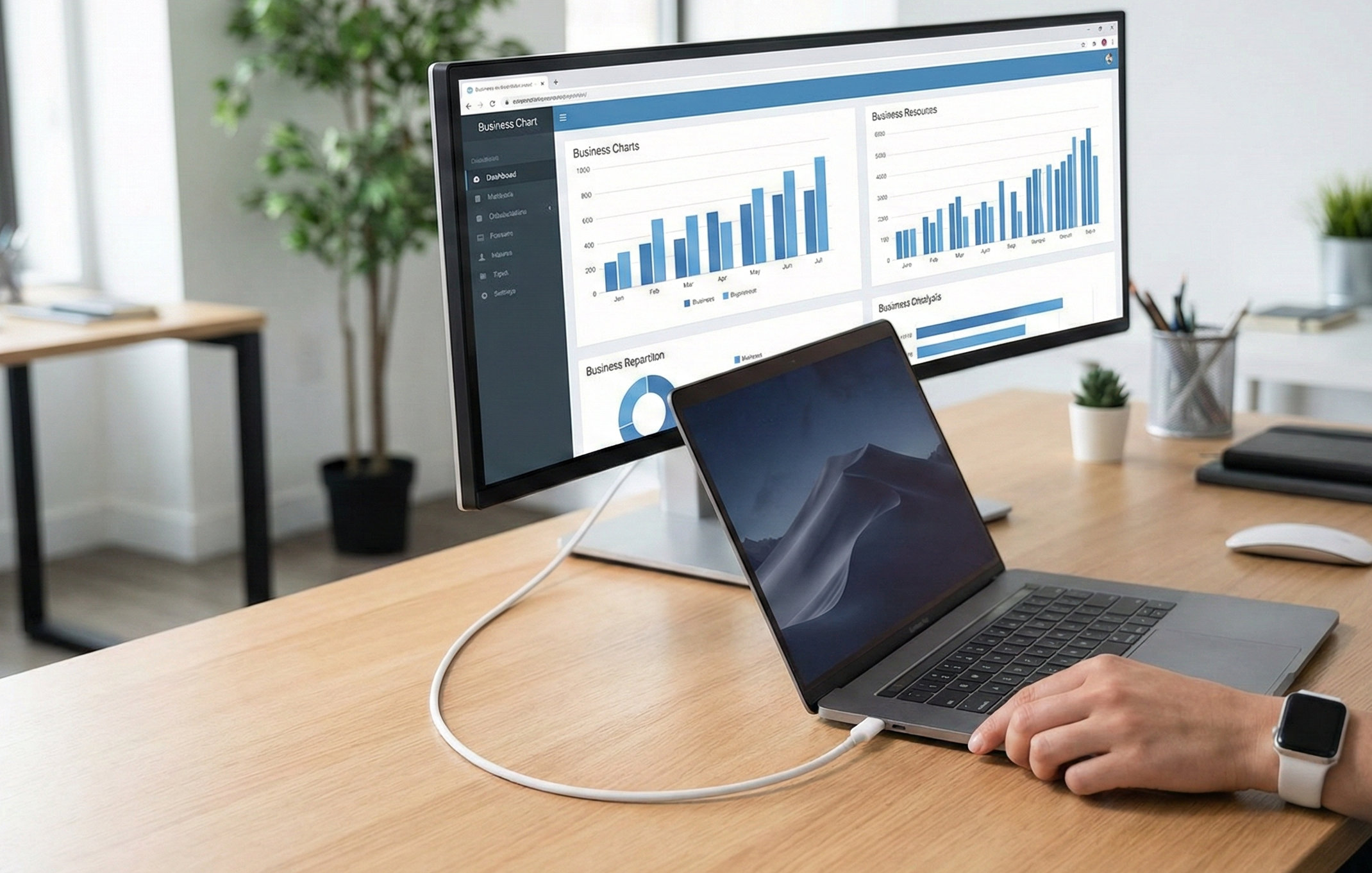
Escape the cable chaos – choose the right cable!
Have you ever wondered why some cables just don’t work the way they should? Our guide explains the differences between USB-C, Thunderbolt, Lightning and more – so you know exactly what you need for charging, data transfer and display.
Customer service
About us
Stores
We can help you!
Visiting Address:
Marieholmsgatan 1, 415 02 Gothenburg
Post Address:
Box 13013, 402 51 Gothenburg








Shop safely with

