
 Svenska
 English
 Norsk
Norsk
 Suomi
Suomi
 Dansk
Dansk
Labels for Label Printers
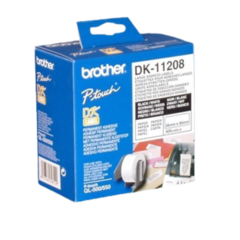
At Tingstad, you'll find labels for label printers for marking letters, parcels, products, and warehouse locations. We offer labels in a variety of sizes and formats, including options from Brother and Dymo. Choose from die-cut labels, shipping labels, and continuous label rolls.
Already have a label printer? Be sure to check that the labels are compatible with your model before ordering. It's not only the size that matters, but also the type of label roll your printer uses.
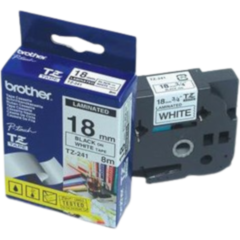
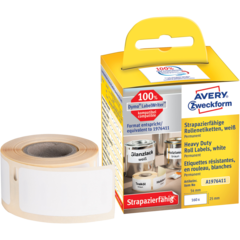

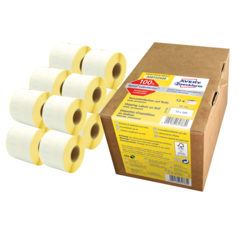


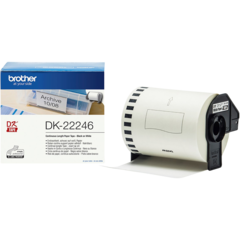
Showing to of articles
Different Labels for Label Printers
The type of label you need depends on what you're labeling and which printer you use. The range includes several options for everything from standard address labeling to shipping labels and warehouse identification.
Address Labels and Shipping Labels
Address labels are used for letters, envelopes, and other mailings. For parcels and deliveries, larger shipping labels are available with room for recipient details, barcodes, and shipping information.
Make sure the label format is compatible with both your printer and the shipping system you use.
Continuous Roll Labels
With a continuous label roll, you can print labels in different lengths within the size limits supported by your printer. This is useful when the amount of information varies or when labeling shelves, storage bins, and products.
The most important factors to check are the roll width and printer compatibility.
How to Choose the Right Labels for Your Printer
The most important step is to start with your printer model. Labels that appear identical may have different fittings, roll formats, or technical specifications, which means they may not work in the same printer.
Pay particular attention to the following:
- Printer model: Check which label rolls and product numbers are supported by your Brother, Dymo, or other label printer.
- Width and length: Choose a format that fits the information you need to print and is supported by the printer.
- Die-cut or continuous labels: Die-cut labels have a fixed size, while continuous rolls allow you to customize the label length.
- Number of labels per roll: Compare the roll size with your printing volume.
- Adhesive strength: Check whether the label needs to be permanent or removable.
Not sure which label fits your printer? Look for the printer model number or the product number on the label roll you currently use. That is usually the easiest way to find the correct replacement.
Customer service
About us
Stores
We can help you!
Visiting Address:
Marieholmsgatan 1, 415 02 Gothenburg
Post Address:
Box 13013, 402 51 Gothenburg






Shop safely with

